Contexts
Contexts control which Blender editor a chord mapping is active in.
Each mapping can be assigned to a specific context.

Switching a context will immediately send the chord to the new context's tab.
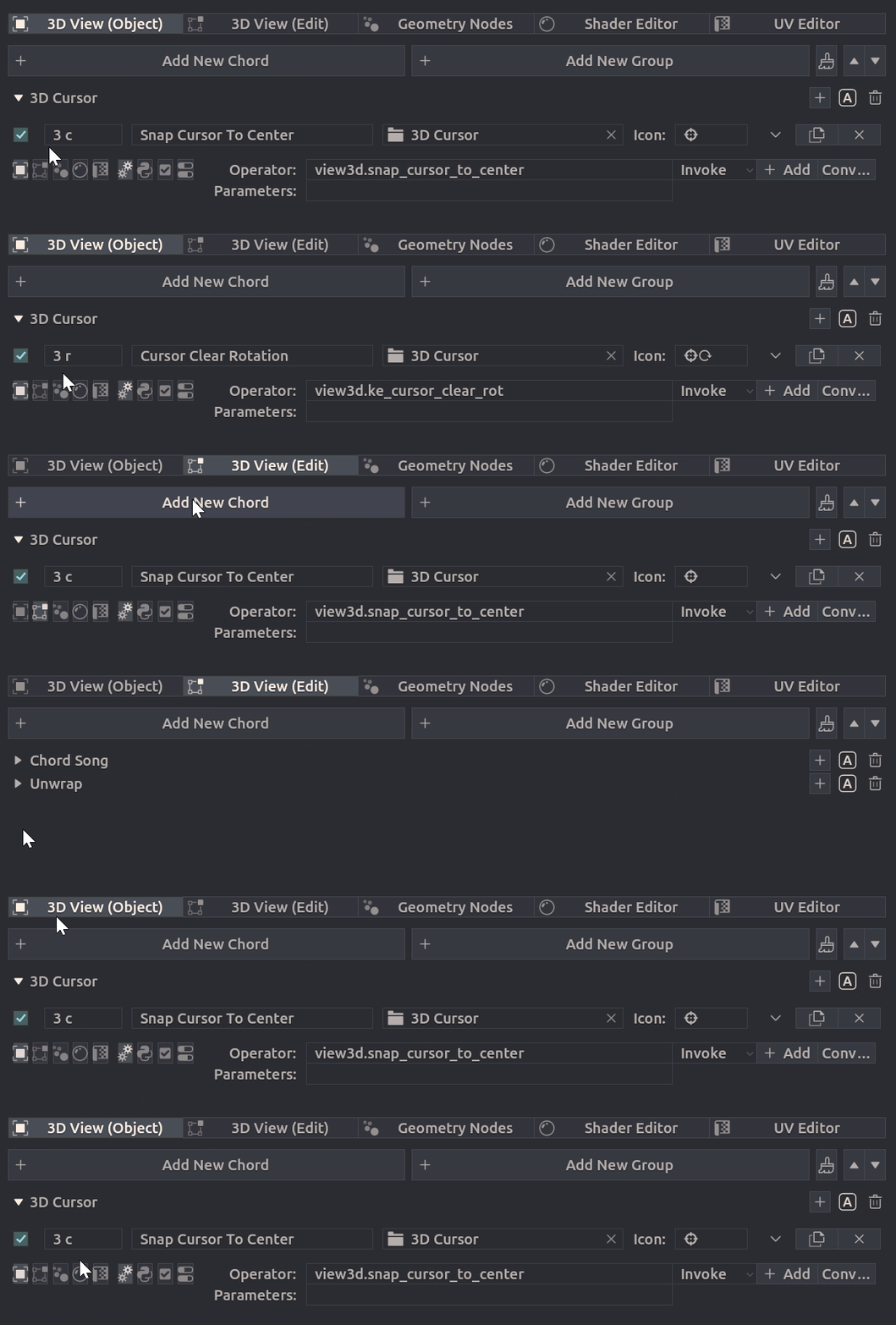
Available Contexts
- 3D View (Object Mode)
- 3D View (Edit Mode)
- Geometry Nodes
- Shader Editor
- UV Editor
Context Detection
The context is detected automatically based on the current mouse cursor position.
Context Duplication
To have identical chord in multiple contexts, you have to duplicate the mapping and change it's context. But same chord can be mapped to different operators in multiple contexts.