Context Menu Integration
Create mappings from Blender's context menu.
Accessing the Context Menu
Right-click any UI element to create a mapping.
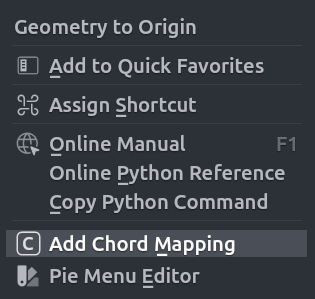
The pop up will appear with the following fields
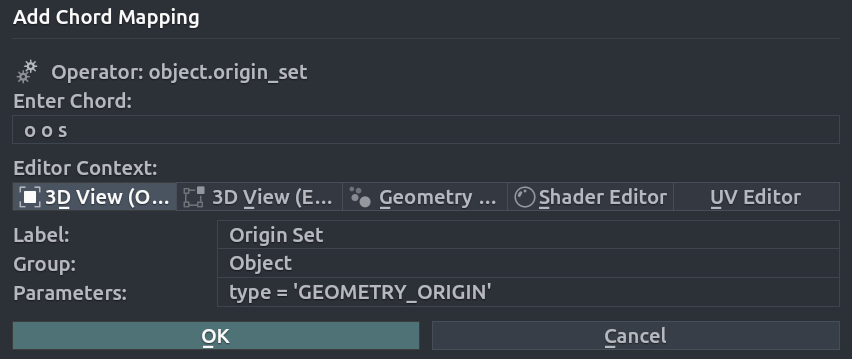
- Enter Chord: The sequence of keys that will trigger the mapping.
- Editor Context: Context in which the mapping will be active.
- Label: Chord name.
- Group: Chord group.
- Parameters: Operator parameters.
Parameters Automatic Detection
If the operator is detected successfully, the parameters will be filled automatically. The non-conflicting chord will be also suggested based on the operator name.