Recents System
Double-tap the leader key to open the Recents menu. Execute items by pressing number or letter keys.
Triple-tap the leader key to repeat the most recent action.
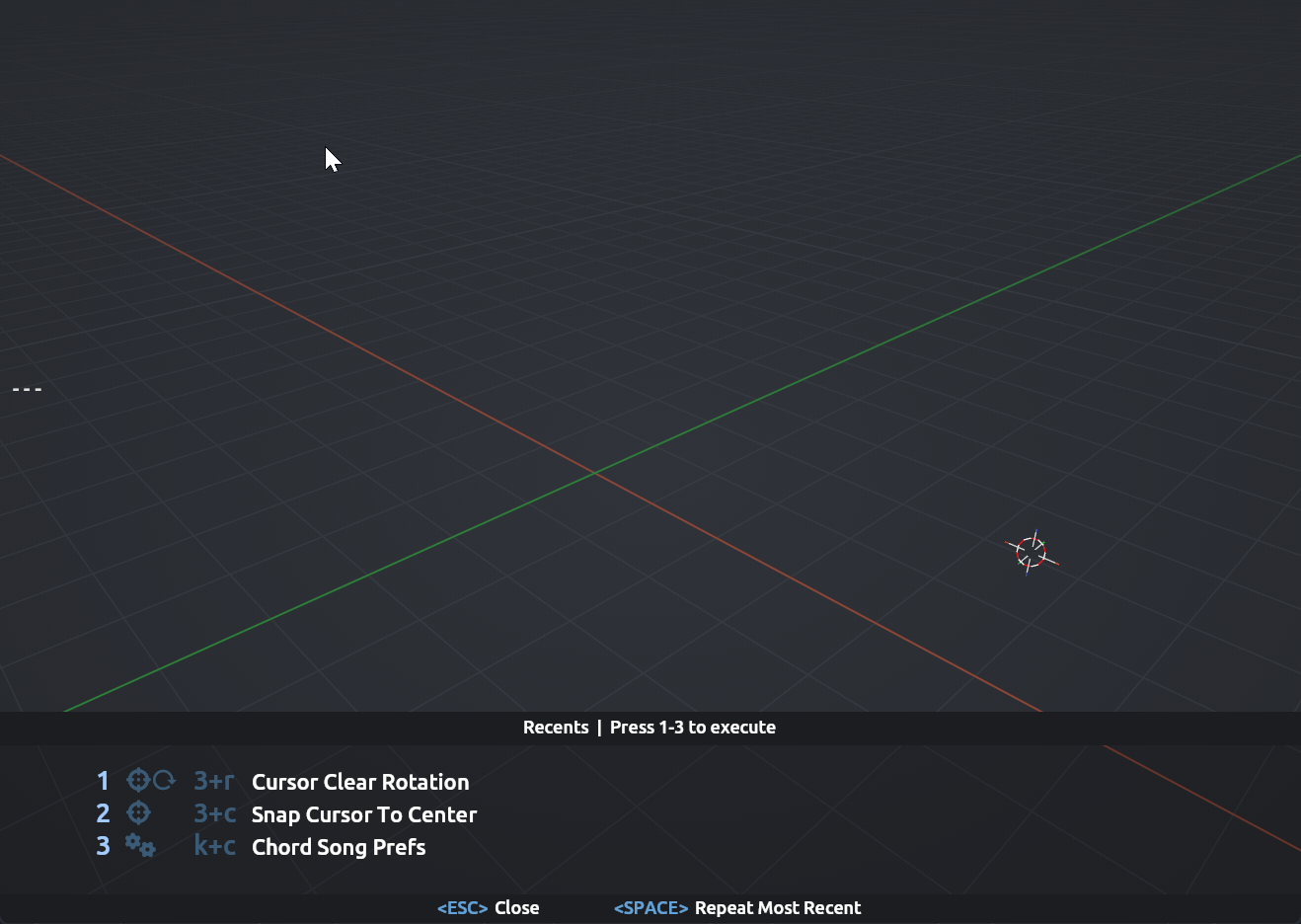
Custom Recents Key
You can assign a custom key to open Recents by creating a chord mapping with the operator chordsong.recents. For example, mapping r → chordsong.recents opens the Recents list when you press r during chord capture.
The default double-leader behavior continues to work alongside any custom mapping. If the leader key is remapped to another operator (e.g., chordsong.close_overlay), the double-leader fallback is replaced and you'll need a custom Recents mapping to access Recents.
Repeat Most Recent
Once Recents is open, pressing the same key that opened it (leader key or custom chord) repeats the most recent action. This works with modifier keys too — if your Recents chord is R (Shift+R), pressing Shift+R again inside Recents will repeat.
repeat_recent Parameter
The chordsong.recents operator accepts a repeat_recent parameter:
repeat_recent = True(default) — pressing the Recents key again repeats the most recent actionrepeat_recent = False— pressing the Recents key again closes the overlay instead
Example mapping with repeat_recent = False:
{
  "chord": "q",
  "operator": "chordsong.recents",
  "kwargs_json": "repeat_recent = False"
}
This lets you use q to open Recents, browse the list, and press q again to close without accidentally executing anything.
Close Key in Recents
If you have a key mapped to chordsong.close_overlay, that key also works inside the Recents modal — not just ESC. This provides consistent close behavior across both the main overlay and Recents.